Optimise Overview
Artemis provides a comprehensive system for improving your codebase across performance, quality, security, and any other metrics you define.
Getting Started
Before running optimisations, set up your repository by completing these three steps:
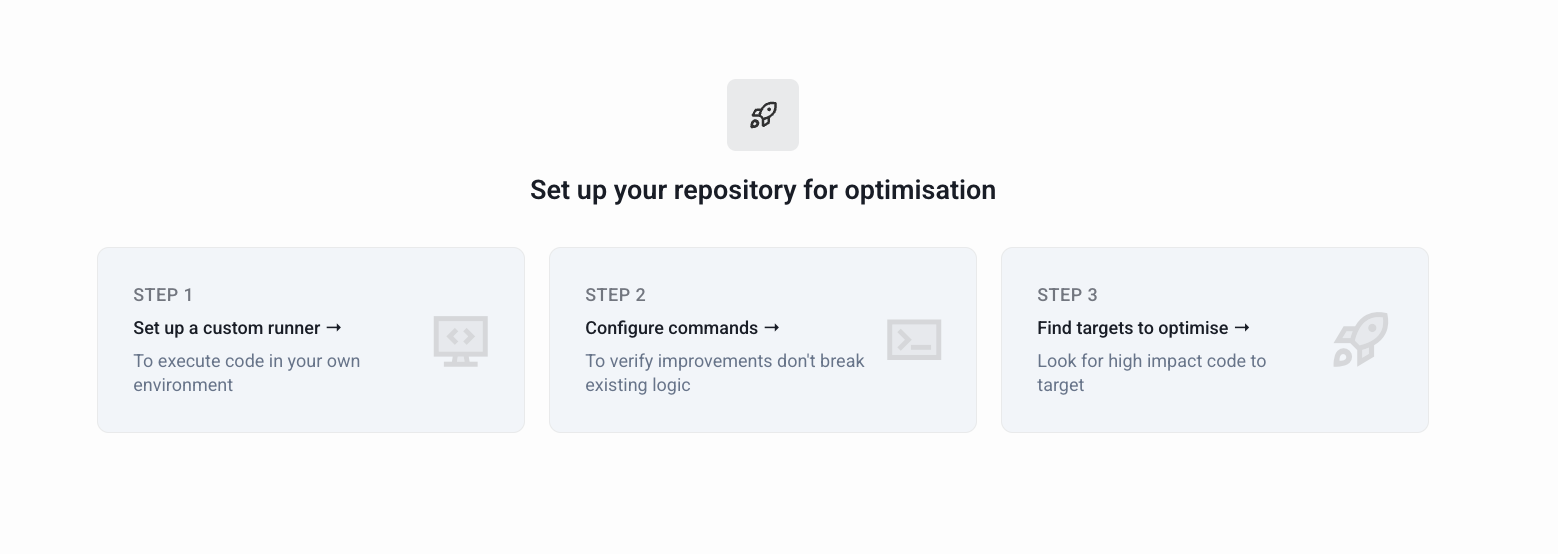
- Step 1 — Set up a runner: Connect your local machine to the Artemis platform to execute code in your own environment.
- Step 2 — Configure commands: Define your compilation and unit-test commands in Runner and Scripts, and your performance benchmark in Benchmarks, so Artemis can verify that improvements don't break existing logic.
- Step 3 — Find targets to optimise: Identify the highest-impact areas of your codebase to focus on.
Optimise Components
Code Targeting
Identify the most impactful areas of your codebase to optimise. Use file-level analysis, agent targeting, interactive chat, tool integrations, pull request analysis, and contributor analysis to narrow down where optimisation will have the greatest benefit.
Version Generation
Automatically generate alternative implementations for your targets using LLM-based generation, agent-based optimisation, or Artemis Intelligence. Explore multiple options, compare trade-offs, and select promising candidates.
Code Validation
Verify that optimised versions meet your standards for quality, correctness, and performance. Run builds, tests, benchmarks, and quality checks to confirm improvements before integration.
Code Optimization
Combine the strongest versions, validate them iteratively, and generate detailed reports. This stage ensures the final integrated changes deliver proven, validated improvements.
Want to Skip the Manual Steps?
Discover lets you skip code targeting, version generation, and validation as separate steps. Describe a goal and Artemis runs the full cycle autonomously - building Experiments, generating multi-file Versions, and carrying the best results forward.